The Universal Problem: Why AI Struggles with Hands
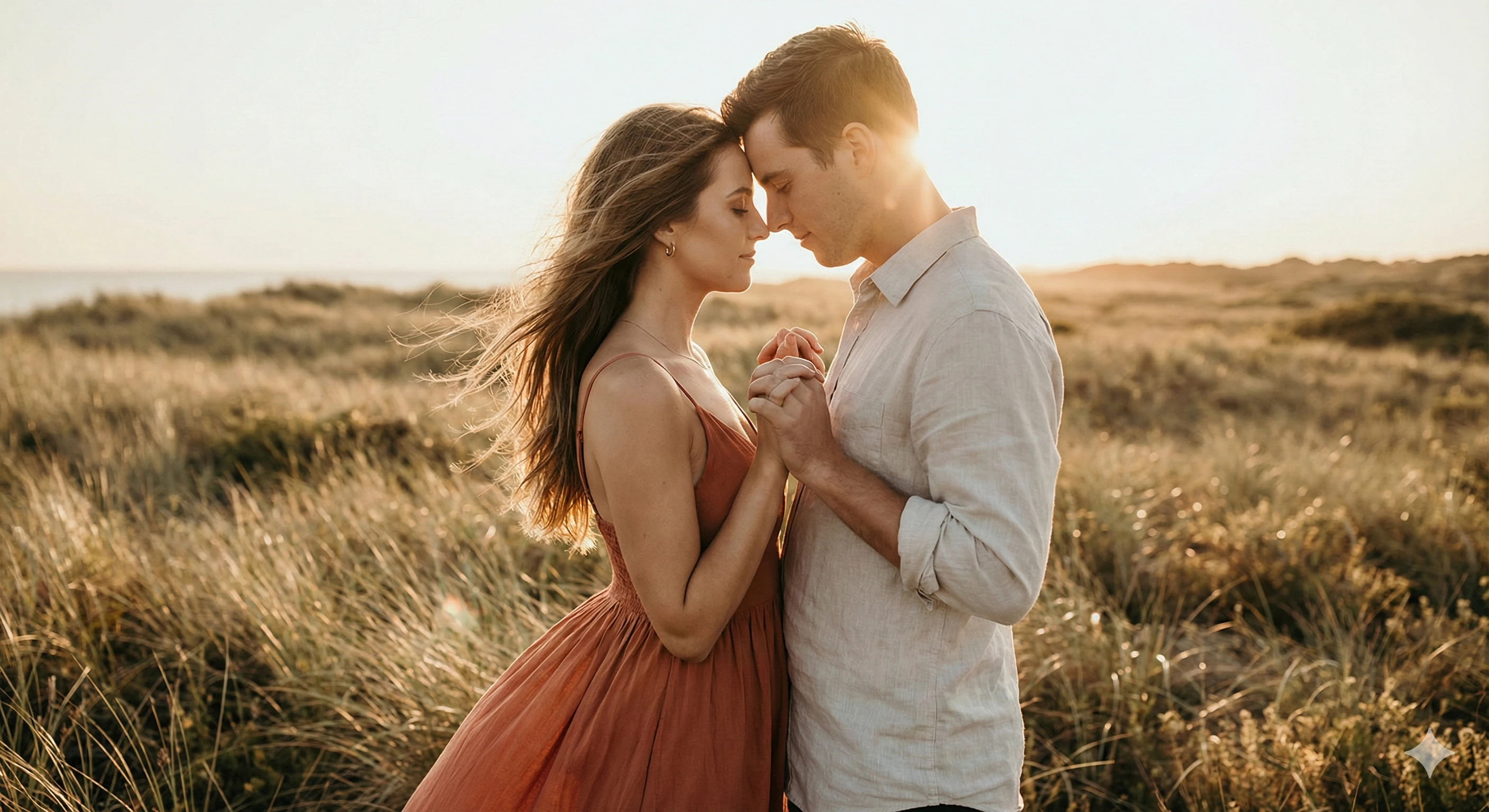
If you've spent any time generating AI images featuring people, you've almost certainly encountered the dreaded "deformed hands" problem. Extra fingers, missing digits, twisted joints, fused fingers – these issues plague even the most advanced AI image generators from Nano Banana Pro to Midjourney to Stable Diffusion.
But why does this happen, and more importantly, how can we fix it? In this comprehensive guide, we'll explore the root causes and provide proven solutions.
Understanding Why AI Struggles with Hands
Complex Anatomy
Human hands are extraordinarily complex. Five fingers, each with multiple joints, can position in countless configurations. The AI must understand not just the shape, but the anatomical rules that govern possible hand positions.
Training Data Variety
The training data includes millions of hand images in every conceivable position, lighting condition, and style. This variety, while beneficial for general understanding, can confuse the AI about what's "normal" for a given pose.
Occlusion Challenges
Hands often overlap, interlock, or are partially hidden. The AI struggles to reconstruct what it can't fully see in its training examples.
Fine Detail Requirements
Hands require precise fine detail that's challenging for AI models operating at their resolution limits. Small errors become very noticeable.
The Solution: Strategic Negative Prompts
Negative prompts tell the AI what to avoid in your generated image. For hand issues, we need to be specific and comprehensive.
Essential Negative Prompts for Hands
Copy and use this comprehensive list:
deformed hands, extra fingers, missing fingers, fused fingers,
bad anatomy, mutated hands, poorly drawn hands, extra limbs,
malformed limbs, long fingers, short fingers, crooked fingers,
twisted fingers, merged fingers, bent fingers wrong way,
extra thumbs, missing thumbs, thumbs wrong direction,
fingers attached wrong, floating fingers, disconnected fingers,
blurry hands, low detail hands, sketch hands, disfigured hands,
extra joints, missing joints, wrong number of fingers
Platform-Specific Negative Prompts
For Nano Banana Pro:
deformed hands, (extra fingers:1.4), (missing fingers:1.3),
bad anatomy, mutated hands, (fused fingers:1.5), malformed
For Midjourney:
deformed hands, extra fingers, missing fingers, bad anatomy,
mutated hands --no deformed, extra limbs, fused fingers
For Stable Diffusion:
(deformed hands:1.5), (extra fingers:1.4), (missing fingers:1.3),
(fused fingers:1.5), (bad anatomy:1.3), (mutated hands:1.4)
Beyond Negative Prompts: Complementary Strategies
Strategy 1: Use Positive Hand Descriptions
Don't just say what to avoid; describe what you want:
Strategy 2: Strategic Hand Positioning
Some poses are easier for AI to render correctly:
Easier Poses (Higher Success Rate):
Harder Poses (Higher Failure Rate):
Strategy 3: Reference Images for Hands
In Nano Banana Pro, you can use reference images that include good hand positioning. The AI uses these as guides.
Strategy 4: Compositional Cropping
Consider compositions that naturally exclude or minimize hands:
Strategy 5: Inpainting for Corrections
If you get a great image with bad hands, use inpainting:
Our JSON Prompt Generator's Approach
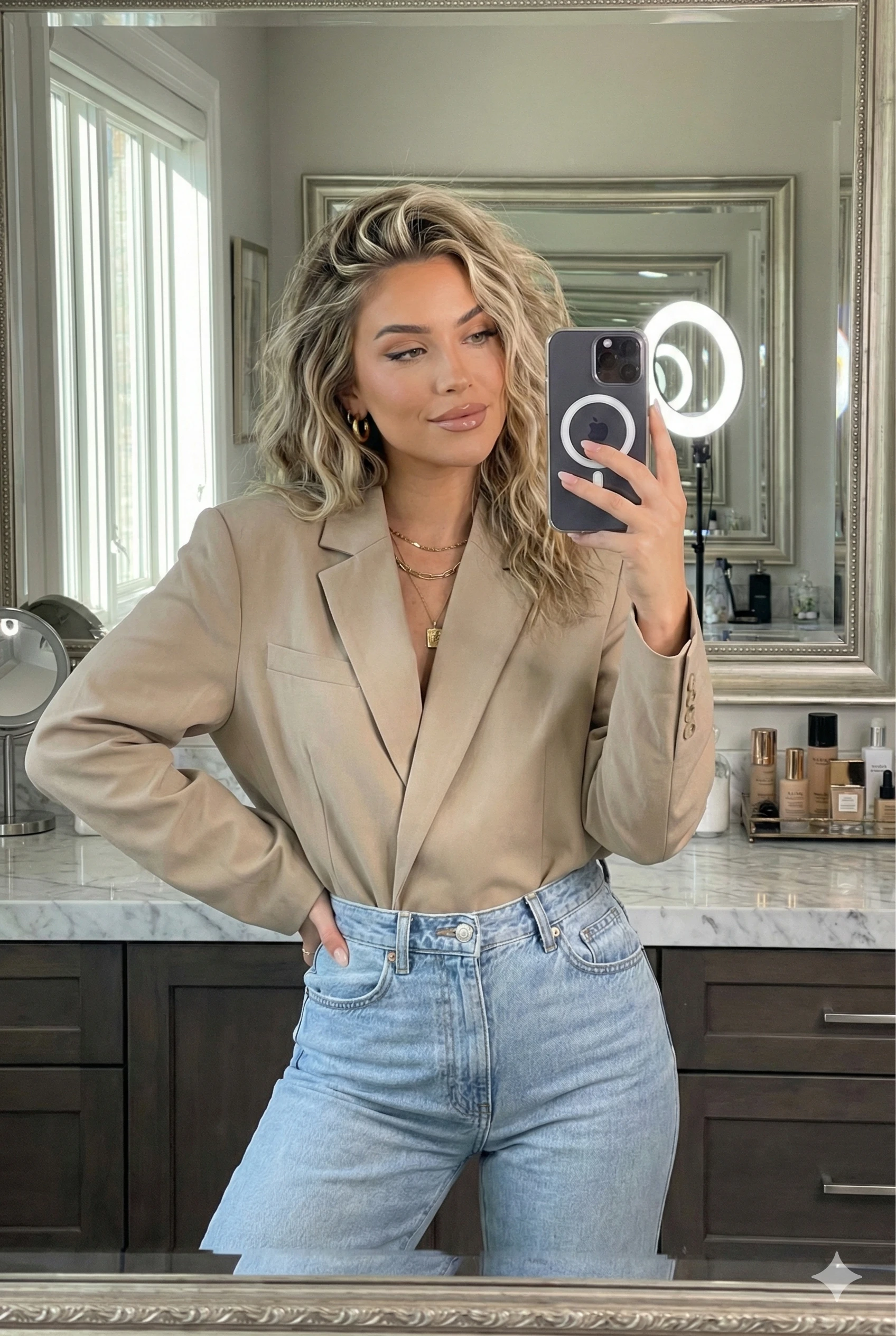
Our generator automatically includes optimized hand-related negative prompts when you select Portrait, Influencer, or Couples categories. The prompts are specifically formatted for maximum effectiveness.
Real-World Examples
Before (Standard Prompt):
"Professional businesswoman standing in office"
Result: Often produces hand deformities
After (Optimized Prompt with Negatives):
{
  "positive": "Professional businesswoman standing in office, hands naturally at sides, detailed realistic hands with five fingers",
  "negative": "deformed hands, extra fingers, missing fingers, fused fingers, bad anatomy, mutated hands, poorly drawn hands"
}
Result: Significantly improved hand rendering
Conclusion
While AI still struggles with hands, strategic use of negative prompts combined with smart composition choices can dramatically improve your results. Our JSON Prompt Generator automatically includes these optimizations, but understanding the principles helps you adapt for special cases.
Remember: AI image generation is iterative. Don't expect perfection on the first try. Use these techniques, and with practice, you'll achieve consistently better results.